
Choose the Best Msp Orlando Florida for Your Business


You already know the pain if you're running a business in Central Florida. The phones ring, a workstation freezes, a cloud login breaks, and your current IT vendor says they'll “take a look soon.” That's not managed service, that's expensive waiting.
If you're searching for msp Orlando Florida, don't shop for a stack of tools or a slick sales deck. Shop for operational proof, written accountability, and a contract that forces the provider to behave like a real partner when things go sideways.
Table of Contents
- Why Orlando Businesses Are Rethinking Their IT Support in 2026
- Core Services a Credible Orlando MSP Must Offer
- The Vetting Checklist That Filters Out Risk
- Orlando MSP Pricing and Contract Red Flags
- Industry-Specific Needs for Central Florida Businesses
- A 30/60/90-Day Onboarding and Transition Plan
- Quick Answers to the Questions Orlando Buyers Ask First
Why Orlando Businesses Are Rethinking Their IT Support in 2026
A lot of owners in Orlando have already lived through the same bad pattern. A break-fix shop reacts fast enough to keep the lights on, but not fast enough to keep the business calm, secure, and predictable. That works until the office grows, the staff gets distributed across more sites, or one incident turns into a week of cleanup.
Orlando's market makes that problem worse, not better. The region reached 2,940,513 residents at mid-year 2024, adding 75,969 people in one year, a 2.7% increase the Orlando Chamber called the highest growth rate among the country's 30 most populous regions (Orlando Chamber growth update). More people means more endpoints, more branches, more shared systems, and more pressure on support teams to standardize how they work.
That growth also changes the MSP conversation. In a metro this active, a provider can't hide behind generic language like “fully managed” and hope buyers won't ask for specifics. If your IT partner can't define response times, escalation paths, and what is excluded from scope, they're not managing risk, they're shifting it onto you.
Practical rule: if a vendor can't explain how they handle a bad day before you sign, they won't suddenly become organized after you're onboarded.
For a business owner comparing support models, a useful baseline is the business case for outsourcing IT support, which is strongest when you need predictable coverage, tighter security oversight, and less internal firefighting. The right choice is not about adding more tickets to a queue. It's about getting operational control back through outsourced IT support that's written down and measurable.
Orlando's mix of tourism-adjacent services, healthcare, professional services, manufacturing, and education pushes that point even harder. These firms don't just need someone to answer the phone. They need a partner that can keep systems available, document decisions, and prove what happened when something breaks.
Core Services a Credible Orlando MSP Must Offer
A credible Orlando MSP has to do more than remote troubleshooting. If the provider only sells ticket handling, password resets, and fast response, you are dealing with a break-fix shop with monthly billing. Real managed service means someone owns the environment, watches it after hours, and puts security, recovery, and escalation in writing before an incident happens.
What belongs in the base agreement
Start with 24/7 helpdesk coverage, continuous monitoring, patch management, endpoint protection, and backup verification. Those belong in the base agreement because small and mid-sized businesses cannot wait until the next business day for basic response. If your environment is regulated or high-risk, add a real security operations function, active threat hunting, and a written incident-response path. For a clear breakdown of what is included in managed IT services, the contract should spell out the work, the hours, and the exclusions in plain language.
For organizations with internal IT staff, co-managed IT is often the better fit. It lets your internal team keep control of local systems, user relationships, or specialized workflows while the MSP handles repetitive work, monitoring, and escalations. That model works only when responsibilities are cleanly split in writing, not assumed in a kickoff meeting.
Cloud and Microsoft 365 management also belong in the discussion, but not every item has to sit in the base package. If you do not have a complex cloud footprint, you can keep some project work outside the recurring agreement as long as the line between included and excluded work is unmistakable. The same applies to vendor and license management. Put it in the contract so nobody is guessing who renews what, who approves changes, or who owns the fix when a renewal slips.
A strong agreement does not promise everything. It names the core controls, the service boundaries, and the path for exceptions.
What buyers should press on
Compliance support matters for the right industries, especially medical, financial, and public-sector organizations. The provider should explain how they produce evidence, how they document remediation, and how they keep monitoring active outside business hours. If the answer is vague, the service model is vague.
Cyber Command, LLC fits this conversation as one option for Orlando-area firms that want managed IT, co-managed support, cloud services, and a 24/7 helpdesk and SOC model tied to prevention and reporting. That matters because the right provider is not selling a feature list, it is delivering a repeatable operating model.
Put the hard requirements in writing before you sign. Live-human response times, escalation paths, MTTD and MTTR targets, what is excluded, and who owns each handoff should all be named in the agreement. If you need the partner workflow tied to government-facing opportunity tracking as well, the same discipline should show up in AI for Government Contracting, where process and accountability matter just as much as the tool itself.
The decision rule is simple. If your internal team needs tactical backup and specialized coverage, choose co-managed. If you need a provider to own the environment end to end, choose fully managed. Either way, make them show the service boundaries in writing before you sign.
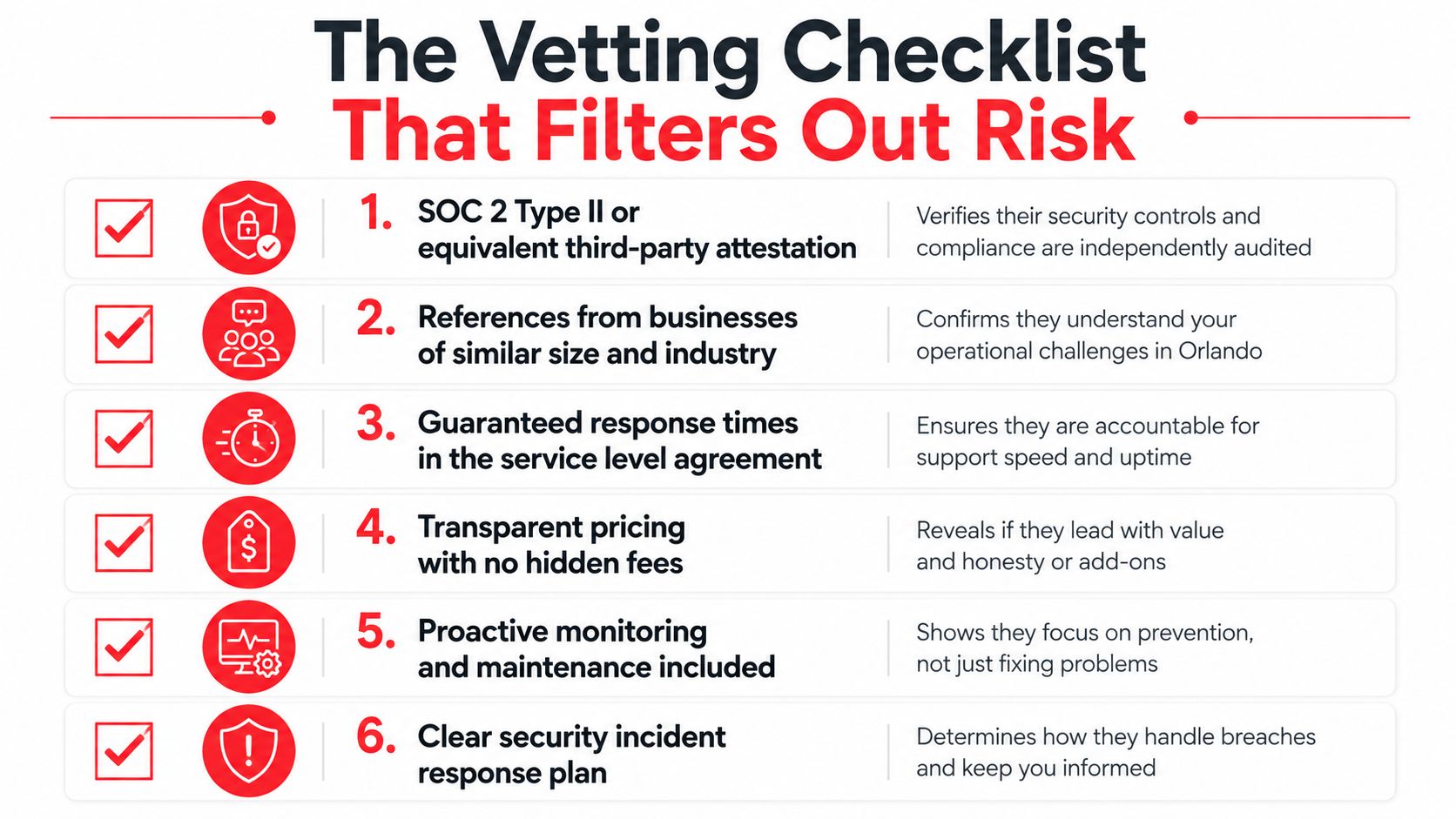
The Vetting Checklist That Filters Out Risk
The fastest way to waste time with MSP sales calls is to ask broad questions. Ask for proof instead. Mature providers can show documents, explain their process, and define their escalation chain without improvising.
The documents you should request
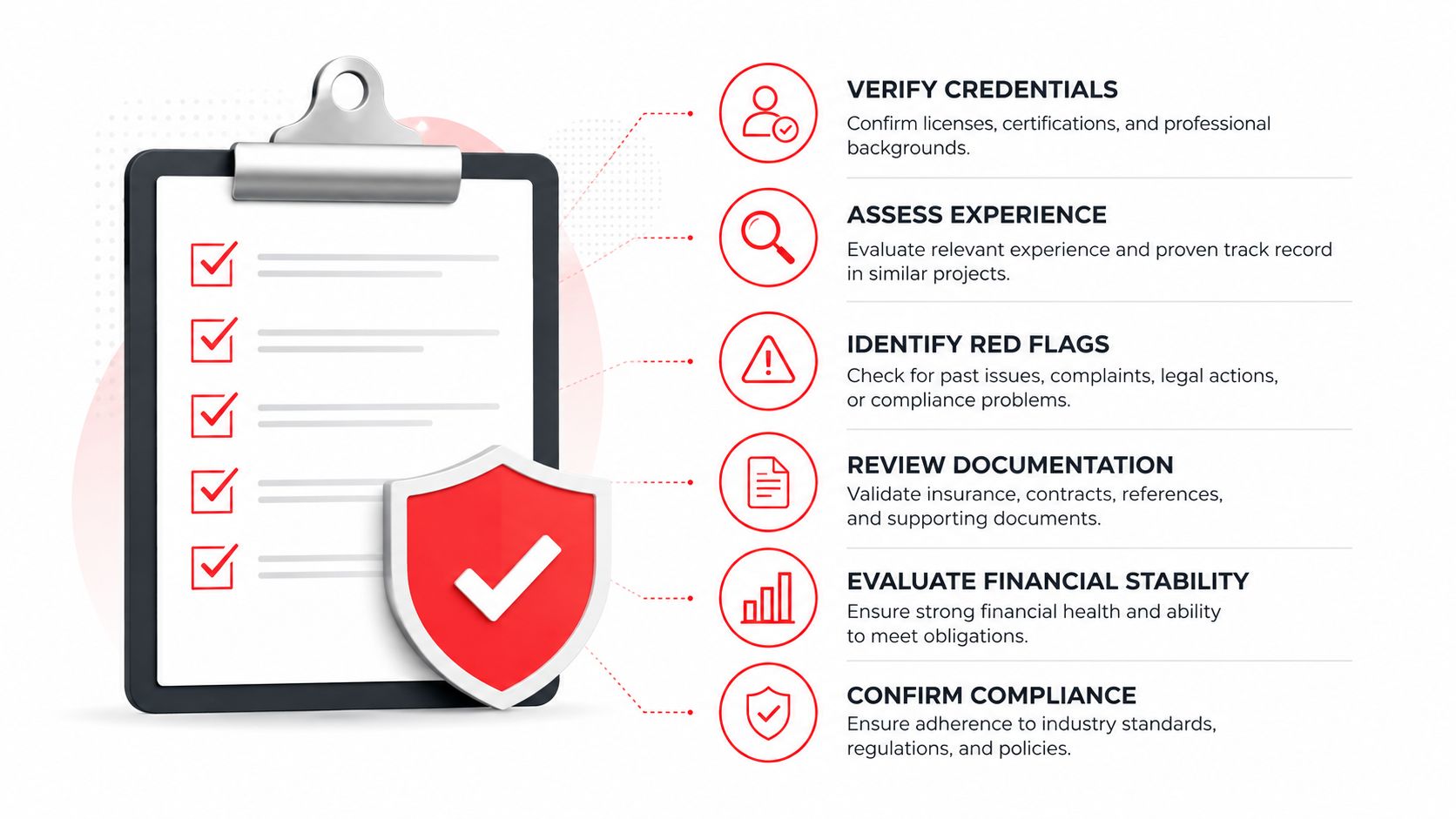
Ask for third-party security attestation if they claim strong controls. Ask for a sample SLA, a documented onboarding plan, a written escalation path, and a named technical account owner. If they serve regulated businesses, ask how they produce compliance evidence and who reviews it.
That request list matters because the managed service market is crowded. Roughly 150,000 to 200,000 firms call themselves MSPs, but only 5,000 to 10,000 are considered mature and certifiable, which makes documented process and operational maturity a real differentiator for buyers (Orlando managed service provider benchmark). The provider who can't document process is not the one you want protecting production systems.
A better way to frame the conversation is this, “show me how you run onboarding, monitoring, escalation, and reporting.” For organizations evaluating operationally disciplined providers, this is also where a resource like AI for Government Contracting can help teams think more clearly about structured evaluation, documentation, and opportunity tracking. It's useful because the same discipline that wins complex work also weeds out weak operators.
What disqualifies a vendor fast
If a vendor won't name who answers the phone, who owns alerts, or who approves emergency work, walk away. If they refuse to give sample SLA language, walk away. If they describe every issue as “case by case,” they're telling you there's no standard process.
Disqualifier: if the provider can't show you how they handle a breach, they're not ready for a business that depends on uptime.
Ask one more question that cuts through the pitch. “If your onboarding stalls, what exactly do you tell the client on day 15?” Good providers answer that directly. Weak ones start talking about tools.
Orlando MSP Pricing and Contract Red Flags
Orlando pricing stops being mysterious once you ask for the scope in writing. One Orlando-focused buyer's guide puts recurring MSP pricing into three ranges, $1,500 to $3,000 per month for basic monitoring and remote help desk, $3,000 to $7,000 per month for fully managed networks with security and backup, and $120 to $200 per hour for ad hoc projects or after-hours emergencies (Orlando MSP pricing guide). If a proposal sits far below that and still promises full coverage, assume something is missing.
| Service Band | Typical Monthly Range | What's Usually Included |
|---|---|---|
| Basic monitoring and remote help desk | $1,500 to $3,000 | Alerting, limited remote support, routine response |
| Fully managed networks with security and backup | $3,000 to $7,000 | Broader support, security oversight, backup and recovery work |
| Ad hoc projects or after-hours emergencies | $120 to $200 per hour | One-off projects, urgent remediation, after-hours help |
The table only helps if you compare it to the contract language. A low monthly fee often means hours are capped, patching costs extra, backups are “best effort,” or after-hours support is billed separately. That is how scope creep starts, and it is why flat-rate language deserves a careful read.
Use the proposal review to force clarity on auto-renewal, exit terms, and data-return obligations. If the contract says “reasonable efforts” without defining response expectations, that is not protection, it is an escape hatch. If the agreement buries after-hours work inside broad exclusions, your invoice will tell the story later.
Before you sign, check three clauses in particular. First, how you leave. Second, how your data is returned. Third, what counts as emergency work versus covered work. If those terms are not plain, negotiate them before the relationship begins, not after a dispute.
For teams comparing proposals, review no-surprise IT pricing in Orlando and use that language to tighten the scope sheet. The goal is not to chase the lowest number. It is to stop paying twice, once for service and again for ambiguity.
Industry-Specific Needs for Central Florida Businesses
Orlando buyers shouldn't evaluate MSPs with a one-size-fits-all checklist. A law firm, a medical practice, and an industrial services company all need uptime, but they do not need the same proof, the same reporting, or the same contract language. The best providers understand that difference and build around it.
Legal and accounting firms
Professional services firms need confidentiality, file integrity, and clean access control. Their MSP should be able to explain how user privileges are reviewed, how shared mailboxes are controlled, and how backup recovery is tested. Ask for the exact reporting cadence, because partners need visibility, not just a ticket log.
Medical and dental practices
Healthcare buyers should press on monitoring, recovery, and evidence handling. If the MSP says it supports regulated environments, it needs to show how incidents are documented and who receives breach notifications. If your practice handles protected data, the contract should state how access is validated, how alerts are reviewed, and what happens outside business hours.
Industrial and field-service organizations
These firms care about uptime at the edge, remote access stability, and network consistency across multiple sites or trucks. The MSP should be able to map endpoints, standardize patching, and prove response across locations. If your teams depend on field connectivity, you need coverage that's operationally disciplined, not just remote.
Multi-location professional services
This group needs standardization more than anything else. The provider should keep the same playbook across offices, document local exceptions, and make reporting easy enough for leadership to compare branches without handholding. That's where a strong onboarding plan matters, because consistency starts there.
Ask for one written addendum per compliance burden, not a verbal promise that “we handle that.”
If your environment touches HIPAA, GLBA, PCI, or CMMC-related work, translate each obligation into a contract line item. That usually means logging, retention, access review, incident handling, and evidence production are all spelled out instead of assumed.
A 30/60/90-Day Onboarding and Transition Plan
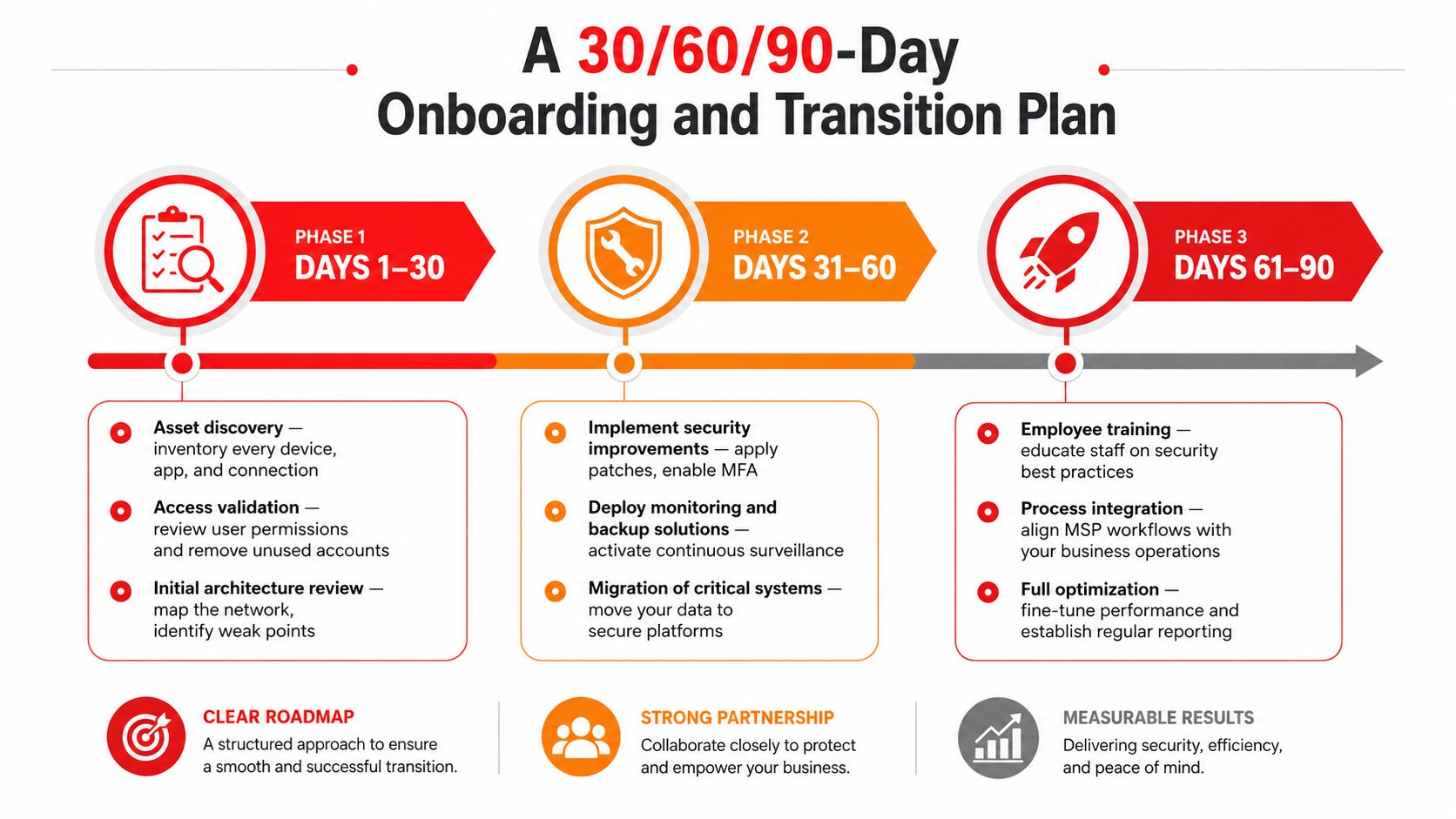
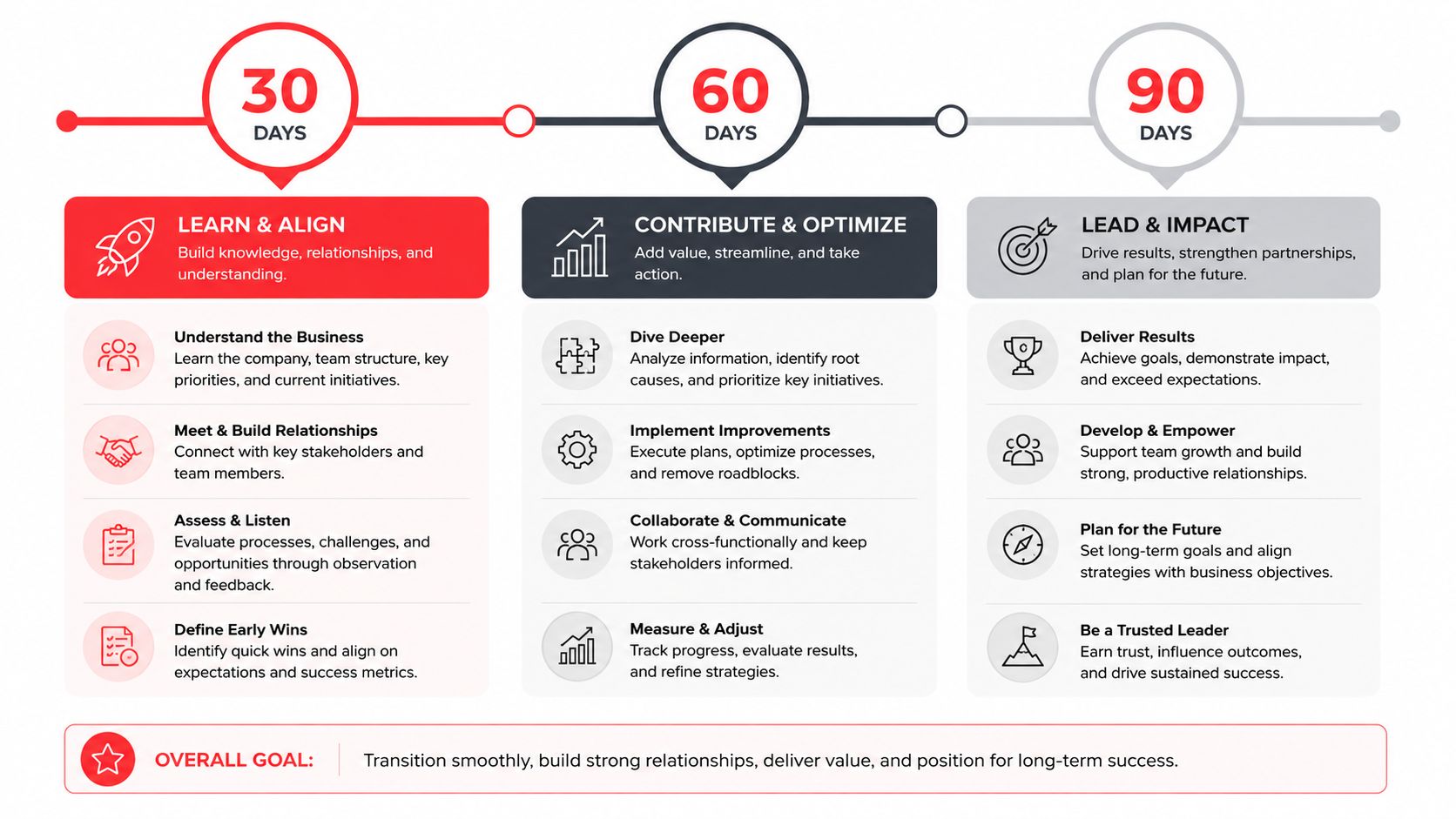
The first 90 days decide whether the relationship gets stable or messy. Good providers treat onboarding like a controlled transition, with visible checkpoints and named owners. Weak providers disappear into vague project language and hope nobody notices the delay.
Days 1 to 30
The first month should be about asset discovery and access validation. Every device, admin account, critical application, backup location, and remote connection needs to be inventoried, reviewed, and assigned. If your new MSP can't tell you what exists in the environment early, it can't protect it later.
Days 31 to 60
Security work turns from discovery into action here. Logs should be integrated, monitoring should be active, and alerts should be tuned so they don't flood the helpdesk with noise. If you don't see a real baseline by the end of this window, the provider is behind.
Days 61 to 90
By this point, reporting should be steady, the escalation process should be tested, and the client team should understand who owns what. The service desk should already be operating from documented procedures, not improvisation. If the provider is still asking basic questions about ownership at day 75, onboarding was not managed.
The biggest failure mode is predictable. Common implementation pitfalls include under-scoped log ingestion, weak alert thresholds that inflate false positives, and failure to define escalation responsibilities in SLA language, which leaves incident response floating between monitoring and remediation. Put those controls in the SOW, not in a verbal promise.
A clean onboarding plan also gives you the first real proof of competence. Ask for weekly status, a list of open items, and a named owner for every risk still unresolved. If the vendor resists that structure, they're not trying to deliver control, they're trying to avoid scrutiny.
Quick Answers to the Questions Orlando Buyers Ask First
How long should a switch take? Long enough to do it safely, short enough to avoid drag. If the provider can't give you a phased plan with dates, owners, and cutover checkpoints, they don't have a transition process. Demand a written schedule before anyone touches production.
What happens to existing licenses and warranties? They need to be listed, mapped, and assigned in writing. Don't let a new provider assume ownership of assets without a clean inventory and a documented handoff from the current environment. Otherwise, renewal errors become your problem.
How does shared responsibility work for cloud and Microsoft 365? The MSP should spell out what it manages, what the platform owner manages, and what the client must still do. That distinction matters because cloud services are not self-securing, and the service agreement should say exactly who handles access, backup, and incident review.
What if the relationship breaks down mid-contract? Your exit clause should already answer that. You want data return, admin handoff, and support transition terms written down before you need them. If the contract doesn't cover that, negotiate it now.
The most practical benchmark is still the same. Demand measurable local-service and coverage commitments instead of generic “fully managed” language, including average time to a live human, average on-site arrival in the metro, and a written list of what is included versus excluded.
Choose the provider that can prove it, put it in writing, and show a local reference that matches your size and industry. If they can't do all three, keep looking.
Cyber Command, LLC provides managed IT, co-managed support, 24/7 U.S.-based helpdesk coverage, and a dedicated SOC for Orlando-area organizations that want predictable pricing and documented accountability. If you're ready to replace vague promises with a real operating model, visit Cyber Command, LLC and review how their support structure fits your environment.